⁰¹²³⁴⁵⁶⁷⁸⁹
Copy a single superscript number
These are separate Unicode characters, so they can be pasted into plain-text fields. The receiving app chooses the font, which may change their visual weight slightly.
Normal and superscript digit table
| Normal | Superscript | Example |
|---|---|---|
| 0 | ⁰ | 10⁰ |
| 1 | ¹ | x¹ |
| 2 | ² | x² |
| 3 | ³ | x³ |
| 4 | ⁴ | x⁴ |
| 5 | ⁵ | x⁵ |
| 6 | ⁶ | x⁶ |
| 7 | ⁷ | x⁷ |
| 8 | ⁸ | x⁸ |
| 9 | ⁹ | x⁹ |
Use superscript numbers without shrinking everything
In most notation, only one part belongs above the baseline. Keep the base, coefficient, punctuation, and unit at normal size.
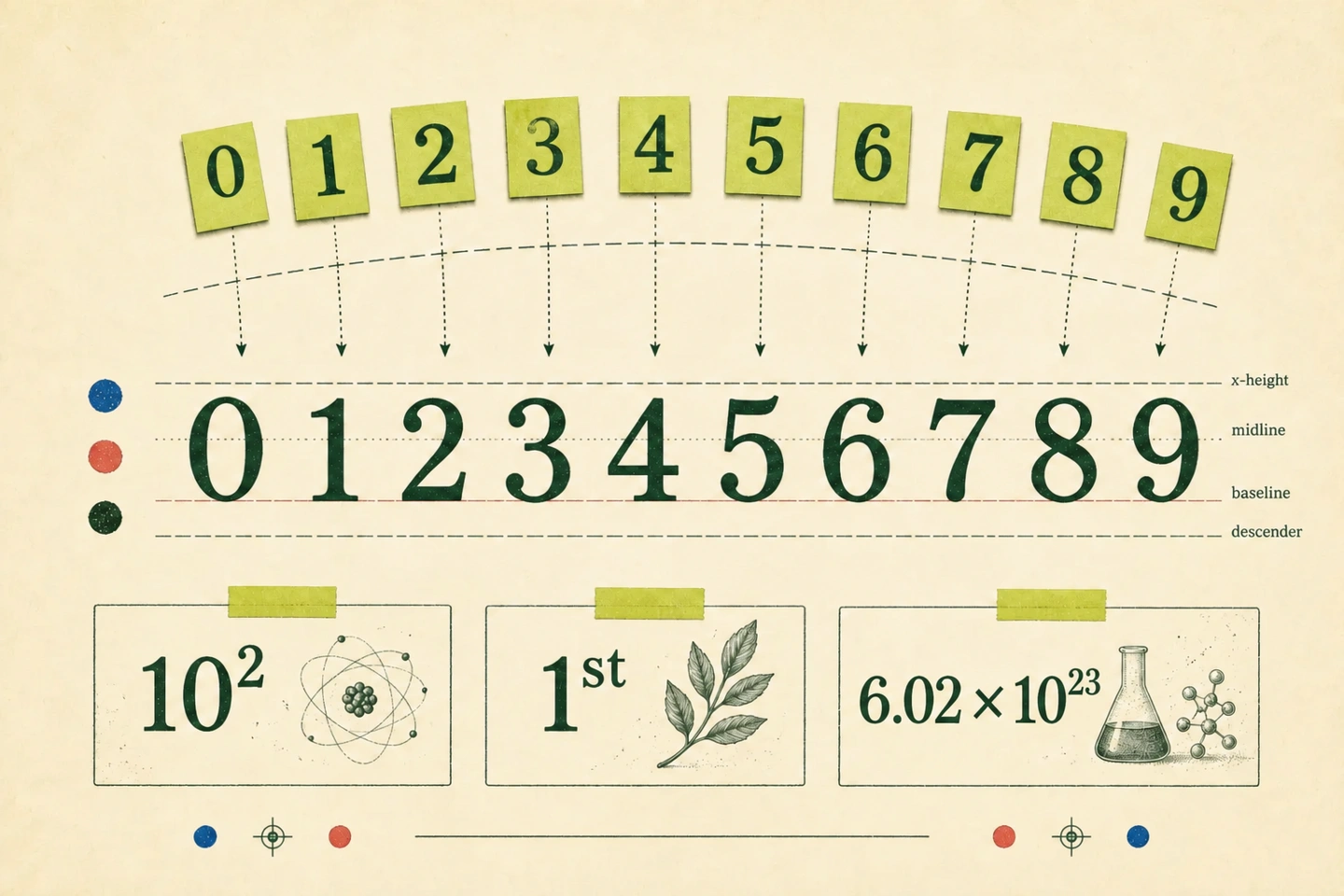
The exponent lives upstairs. The coefficient stays home. In 6.02 × 10²³, only 23 is raised; the coefficient and the base 10 stay on the baseline.
Exponents
x², m³, and 10⁶ raise the exponent only. You can type x^2 in the generator when you want to mark the exponent explicitly.
Negative powers
10⁻³ uses both a superscript minus and a superscript 3. A normal hyphen followed by a raised 3 looks uneven and can be misread.
Scientific notation
6.02 × 10²³ means 6.02 multiplied by 10 to the power of 23. Enter 6.02e23 in Formulas & numbers mode to get this result, or keep 6.02e23 unchanged when E notation is required.
What about ordinals?
In labels such as 1ˢᵗ, 2ⁿᵈ, and 3ʳᵈ, the number remains on the baseline while the ending is raised. The result is compact, but it is still plain Unicode text. In formal prose, ordinary 1st, 2nd, and 3rd are often easier to read.
The useful part is what survives the paste
A raised number can look polished in a filename, profile, message, or short label. Its real advantage appears when the destination strips formatting. Copyable ² survives because it is a character, not a visual instruction attached to an ordinary 2.
That does not make it the best answer everywhere. If an equation needs to be edited by someone else, the structure inside an equation editor is more valuable than a clever-looking line of plain text.
When a copyable character is not enough
Unicode digits are convenient for a short message or field that has no formatting controls. For a paper, spreadsheet formula, or editable equation, use the superscript feature built into that application. It gives the app more control over spacing, line height, search, and accessibility.
Need letters as well? Use the Unicode Superscript Generator. Need digits for indexes or chemical formulas instead? Copy the subscript numbers ₀–₉. If you are unsure whether a character belongs above or below the line, read Superscript vs Subscript.