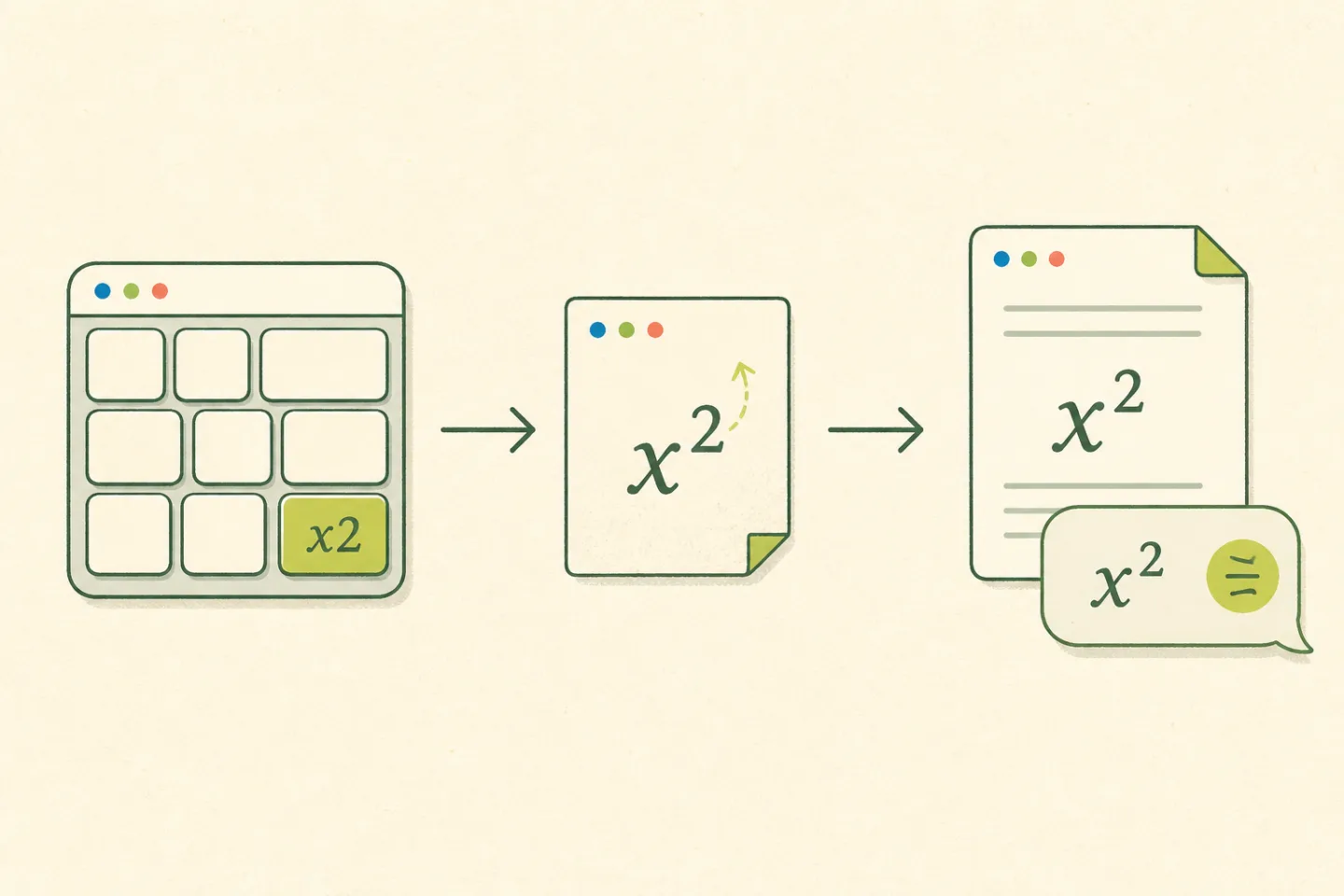
Quick answerFor plain text, type your expression in the converter below and copy the Unicode result. Use Formulas & numbers for x², 1ˢᵗ, and 6.02 × 10²³. Use Tiny text when you want most of a word raised, as in ᵗⁱⁿʸ.
The destination makes the decision. A message box cannot remember a formatting button you clicked in another app. A Unicode ² travels with the text, which is why it works in the places where formatting disappears.
Try it with your own text
You do not need to hunt through a character map. Enter normal text, check the preview, and copy the finished line. Nothing you type is sent to a conversion server.
Choose the method that fits the job
There are two common ways to make superscript. They look similar on screen, but they behave differently after you copy them.
01Unicode characters
Characters such as ², ⁿ, and ᵗ are part of the text itself. They survive a plain-text paste into a message, profile, filename, or post.
x² · 1ˢᵗ · 10⁻³
02Editor formatting
Word processors and equation editors can raise ordinary characters with formatting. This is better for formal equations because the editor controls spacing and size.
Select 2 → Superscript
A simple test works here. If the destination has no formatting toolbar, use Unicode. If you are preparing a report, paper, or equation, use the destination editor's superscript command when it is available.
A familiar failure, fixed in one step
You format the 2 in x2 inside a document, copy the expression into a profile or chat, and it arrives as x2 again. The formatting stayed behind. Convert it to x² first and the raised 2 becomes part of the text that travels.
This is a small distinction, but it saves the annoying second trip back to the editor. It also explains why a Unicode converter is useful even when your word processor already has a superscript button.
Superscript examples that people actually type
| You type | Result | Typical use |
|---|
x^2 | x² | A mathematical exponent |
10^-3 | 10⁻³ | A negative exponent |
1st | 1ˢᵗ | An ordinal in a short label |
6.02e23 | 6.02 × 10²³ | Scientific notation |
hello in Tiny text | ʰᵉˡˡᵒ | A profile or decorative label |
Why some letters stay normal
Unicode has a complete set of raised digits, but only a partial set of raised letters. The converter leaves unsupported characters alone. It does not swap in a Greek or lookalike character just to make the word appear smaller.
That matters when the text has a real meaning. A Greek beta is not a Latin b, even if the two happen to look close in one font. You can check every supported character in the Unicode superscript table or focus on the superscript letters list.
Paste once, then check the destination
Copy the output and paste it into the app where it will be read. The underlying Unicode remains the same, while the typeface belongs to that app. A small difference in weight or spacing is normal. The copied characters are still the intended ones.
For equations that must be read by assistive technology or edited later, prefer a proper equation editor, MathML, or LaTeX. Unicode superscript is best for short plain-text expressions, labels, and messages.
One rule that prevents most mistakes
Raise only the part that acts as the exponent or ordinal ending. In scientific notation, write 6.02 × 10²³: 6.02 × 10 stays on the baseline and 23 is the power of ten. You can also keep the original plain-text E notation, 6.02e23, with every character on the baseline.
The NIST Guide to the SI, Appendix B.2 explains that E notation means multiplication by a power of 10. In the generator, 6.02e23 becomes 6.02 × 10²³ in Formulas & numbers mode. For explicit notation, type 6.02 × 10^23.
Let the small character do one job. An exponent should identify the power. It does not need to pull the rest of the sentence upstairs with it.